
-94%Hot
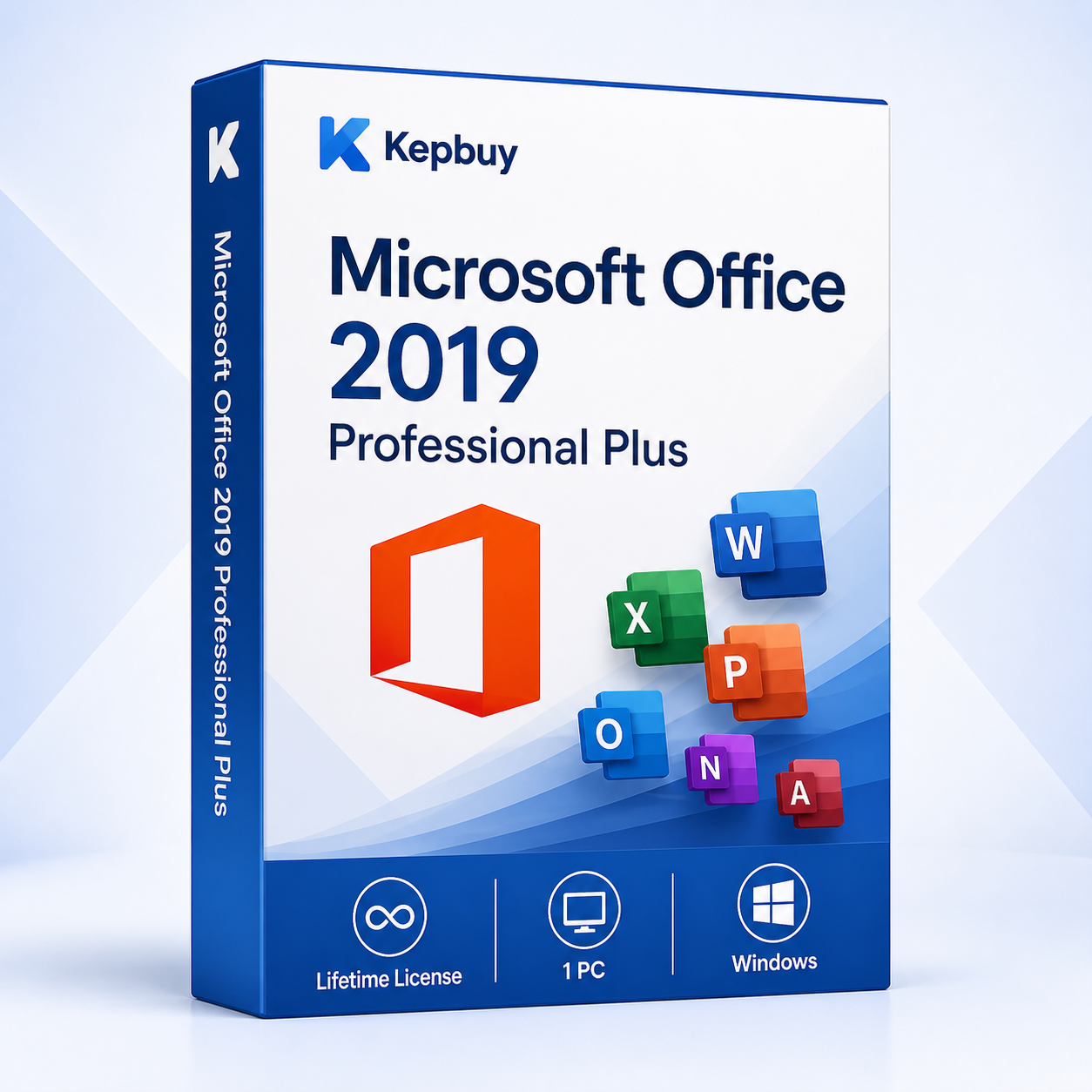
Microsoft Office 2019 Professional Plus for 1 Windows PC.
Important: Microsoft support for Office 2019 ended on October 14, 2025. This version no longer receives security updates.
€ 145,00 Original price was: € 145,00.€ 8,99Current price is: € 8,99.
Payment Methods:

Microsoft Office 2019 Professional Plus is a complete productivity suite for one compatible Windows PC. It brings together the familiar desktop applications used to create documents, analyze data, prepare presentations, manage email and build databases. This one-time purchase does not require a Microsoft 365 subscription.
The product is suitable for customers who specifically need the Office 2019 release for compatibility with an existing computer, workflow or business environment. Customers looking for a more recent edition can also review our Microsoft Office 2021 Professional Plus offer or browse the complete Microsoft Office collection.
Your order information and instructions are supplied after purchase. Keep the product key and order details in a secure place for future reference.
This edition is intended for Windows and is not a macOS product. Before purchasing, verify that your computer and any existing Microsoft applications are compatible with Office 2019 Professional Plus.
For the smoothest installation, remove incompatible Office editions first and check that Project, Visio, language packs and add-ins use a compatible architecture.
After completing your order, follow the supplied instructions to download, install and activate the correct Office 2019 Professional Plus edition. Make sure the installed edition matches the supplied key. A key for Professional Plus should not be used to activate a different Office edition.
If you encounter a problem during installation or activation, contact the Kepbuy support team using the details supplied with your order. Include your order reference, but never publish your product key or private account information.
Microsoft ended support for Office 2019 on October 14, 2025. The applications may continue to function, but Microsoft no longer provides security updates, bug fixes or technical support for this release. You can review the official Microsoft Office 2019 end-of-support information before purchasing.
For a new computer or an environment that requires ongoing security updates, consider a currently supported Office edition. Office 2019 remains most appropriate when a specific version or compatibility requirement makes this release necessary.