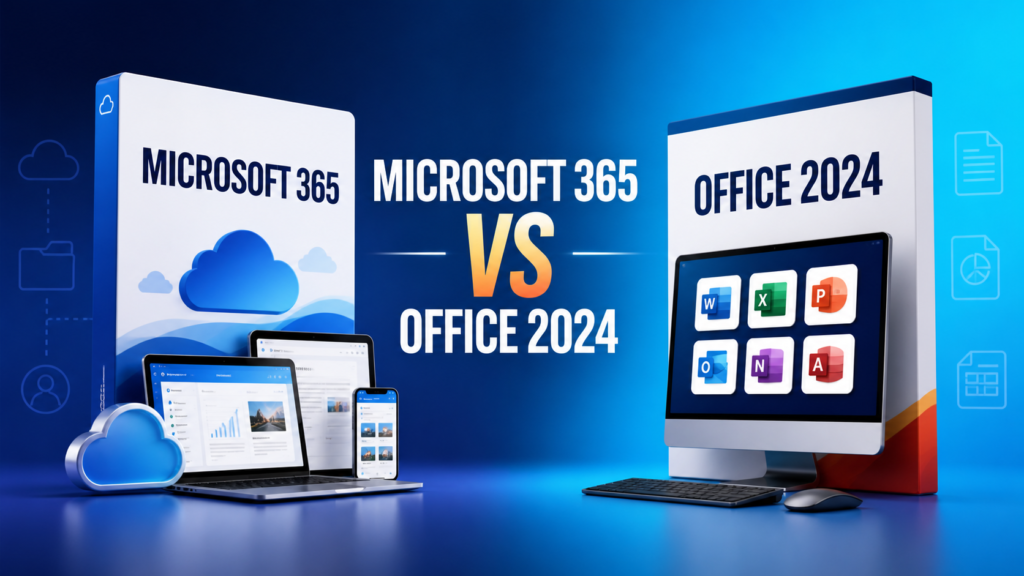

Office 2021 and Office 2024 are perpetual Microsoft Office releases for users who prefer a one-time purchase rather than a Microsoft 365 subscription. Both cover core productivity tasks, but Office 2024 introduces a newer interface, additional functions and a longer remaining support window.
What stays familiar
Both generations provide familiar desktop applications such as Word, Excel and PowerPoint, with the exact app set depending on the edition. Files created in common formats such as DOCX, XLSX and PPTX remain broadly compatible. Office 2024 and Office LTSC 2024 are separate from Microsoft 365 and do not continuously receive new cloud features after release.
What is new in Office 2024?
Microsoft highlights a refreshed design, improved accessibility, better session recovery in Word, additional Excel functions, Access improvements and wider support for the ODF 1.4 specification. The exact feature set varies between consumer Office 2024 and commercial Office LTSC 2024.
See Microsoft’s official Office 2024 feature overview for application-by-application details.
Office 2021 strengths
Office 2021 remains familiar and capable for established workflows. It introduced improvements such as modern collaboration features in eligible editions, inking tools, additional Excel functions and visual updates. It may remain adequate for a compatible computer when newer Office 2024 features are not required.
Compatibility and deployment
Before upgrading, check the operating system, hardware, add-ins, macros and other Office products installed on the device. Office LTSC 2024 continues to use Click-to-Run deployment and maintains the Office 16.0 major version used by Office LTSC 2021, which helps preserve many existing policy and management settings.
All installed Office products must use the same 32-bit or 64-bit architecture. Organizations should test critical add-ins and templates before a wider deployment.
Support lifecycle matters
A newer perpetual release normally provides a longer remaining support period. Microsoft has announced that Office LTSC 2021 support ends on October 13, 2026. Users who need a supported on-premises Office release beyond that date should evaluate Office LTSC 2024 or Microsoft 365.
Which version should you choose?
- Keep Office 2021 when it remains supported for your scenario, works reliably and provides every feature you need.
- Choose Office 2024 for a new installation, a longer remaining lifecycle, updated accessibility and newer application features.
- Choose Microsoft 365 when ongoing feature updates, cloud services and subscription benefits are required.
Compare our Office 2021 and Office 2024 categories.
Frequently asked questions
Is Office 2024 a free upgrade from Office 2021?
No. Perpetual Office releases are separate products. A new license is normally required unless a specific agreement provides upgrade rights.
Does Office 2024 receive new features forever?
No. Perpetual Office 2024 receives applicable security and quality updates but does not receive the continuous feature stream provided by Microsoft 365.
Should Office 2021 be uninstalled first?
A clean transition is generally recommended to avoid architecture, channel and add-in conflicts. Back up settings and templates before removal.