
Microsoft 365 and Office 2024 both provide familiar productivity applications, but they use different licensing and update models. The best option depends on how many devices you use, whether you need cloud services and how often you want new features.
The main difference
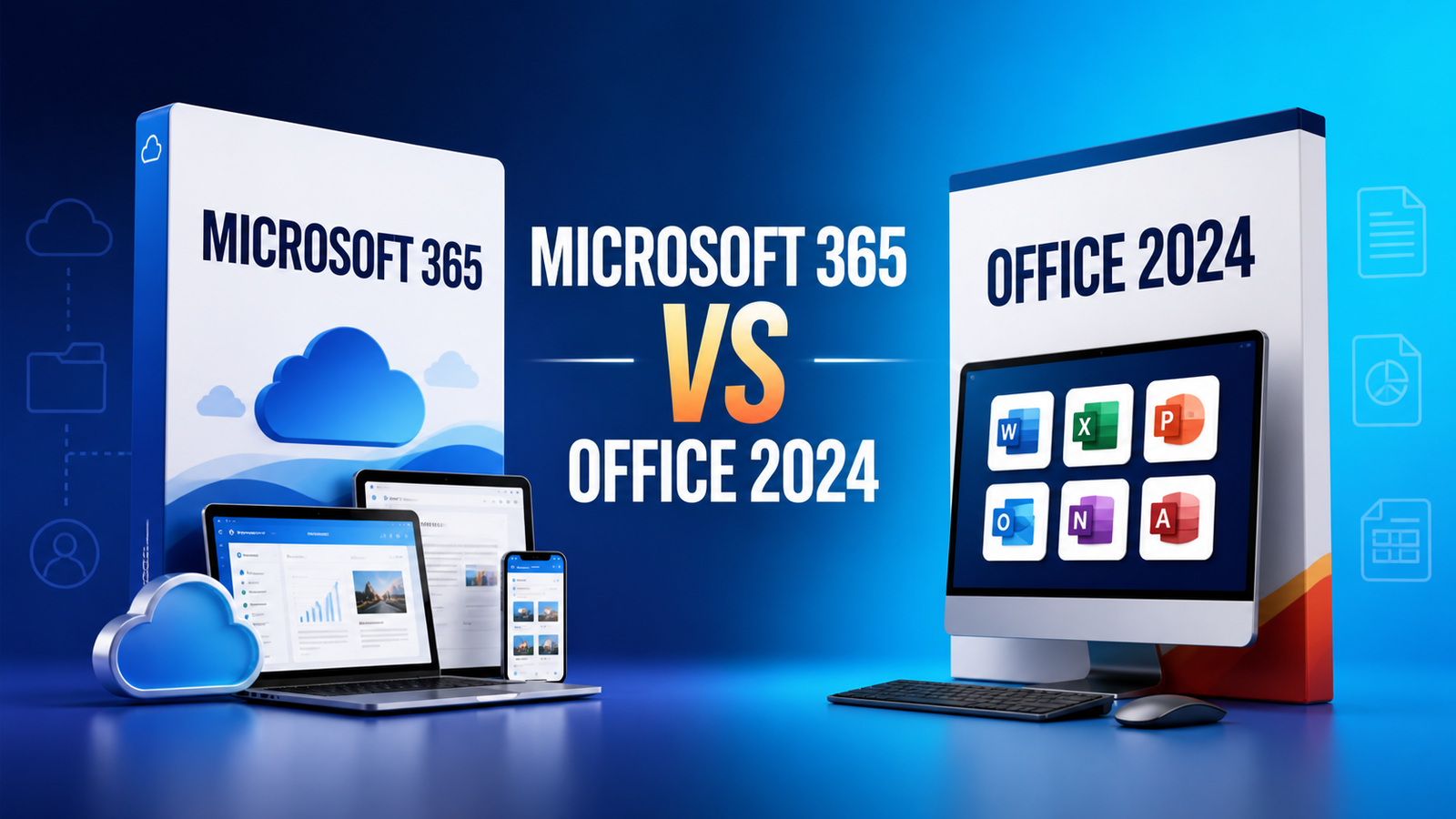
Microsoft 365 is a subscription. It includes ongoing feature updates and cloud-connected services while the subscription remains active. Office 2024 is a one-time purchase for one computer, with classic desktop applications and security updates, but without an automatic upgrade to the next major Office release.
Quick comparison
| Feature | Microsoft 365 | Office 2024 |
|---|---|---|
| Payment model | Recurring subscription | One-time purchase |
| Devices | Multiple devices, depending on plan | One PC or Mac per licence |
| Feature updates | New features added regularly | Features remain largely fixed |
| Cloud storage | Included with eligible plans | Not included as part of the suite |
| Future major versions | Included while subscribed | Require a separate purchase |
When Microsoft 365 makes sense
Choose Microsoft 365 when you regularly work across a computer, tablet and phone, collaborate through cloud services, or want the newest features. Microsoft 365 Personal is intended for one person; Microsoft 365 Family can be shared with additional people according to Microsoft’s plan terms. Eligible plans include OneDrive storage and allow apps to be installed across supported devices.
When Office 2024 makes sense
Office 2024 is attractive when you prefer a single upfront purchase, use one compatible computer and mainly need the classic desktop apps. It is suitable for users who do not need ongoing feature upgrades or bundled cloud storage. The apps included vary by edition, so confirm whether the chosen package contains Outlook, Access or Publisher alternatives before buying.
Compatibility and installation
Check the operating-system requirements before purchase. Office 2024 and Microsoft 365 require a supported Windows or macOS version, and some features require internet access or a Microsoft account. Microsoft provides current Office system requirements and official installation instructions.
Which option offers better value?
There is no universal winner. A subscription can offer more value to a multi-device user who relies on cloud storage and frequent updates. A one-time licence can be more economical for someone who keeps one computer for several years and does not need new features. Compare the total cost over the period you expect to use the software.
Questions to ask before buying
- Do I need a subscription or a one-time purchase?
- How many people and devices need access?
- Which desktop applications are essential?
- Do I need OneDrive storage and continuous feature updates?
- Is my operating system supported?
For Microsoft’s own detailed explanation, see Microsoft 365 versus Office 2024. You can also browse Microsoft Office products or contact Kepbuy for help selecting the right edition.