
Windows 11 Home, Pro and Enterprise share the same modern interface and core Windows experience, but they target very different users. Choosing the correct edition from the beginning avoids unnecessary upgrades and activation problems.
Windows 11 Home: best for everyday personal use
Windows 11 Home is suitable for browsing, entertainment, study, gaming and common productivity tasks. It includes Windows Security, device encryption on supported hardware, Windows Hello and the Microsoft Store. It is usually the simplest choice for a personal laptop or family computer that does not need business management features.
Browse the available Windows 11 editions before deciding.
Windows 11 Pro: designed for professionals and small businesses
Windows 11 Pro adds business-oriented capabilities such as BitLocker management, Remote Desktop hosting, Hyper-V, Windows Sandbox, Group Policy and support for joining a work or school environment. It is often the best balance for freelancers, developers, power users and small businesses.
Choose Pro when you need to host a Remote Desktop session, manage policies, protect drives with BitLocker or run virtual machines locally. For demanding hardware, Windows 11 Pro for Workstations is a separate edition intended for advanced workloads.
Windows 11 Enterprise: centralized control for organizations
Windows 11 Enterprise builds on Pro with advanced deployment, security and device-management capabilities designed for organizations. Enterprise licensing and activation are normally managed through an eligible organization or volume licensing agreement. It is not simply a “more powerful” edition for a home PC.
Quick comparison
| Need | Home | Pro | Enterprise |
|---|---|---|---|
| Personal use and gaming | Recommended | Supported | Usually unnecessary |
| BitLocker management | Limited/device dependent | Yes | Yes |
| Remote Desktop host | No | Yes | Yes |
| Hyper-V and Windows Sandbox | No | Yes | Yes |
| Central enterprise management | No | Basic business features | Advanced |
Microsoft provides a detailed Windows 11 business edition comparison. Availability can also depend on hardware, region and licensing channel.
Check compatibility before buying
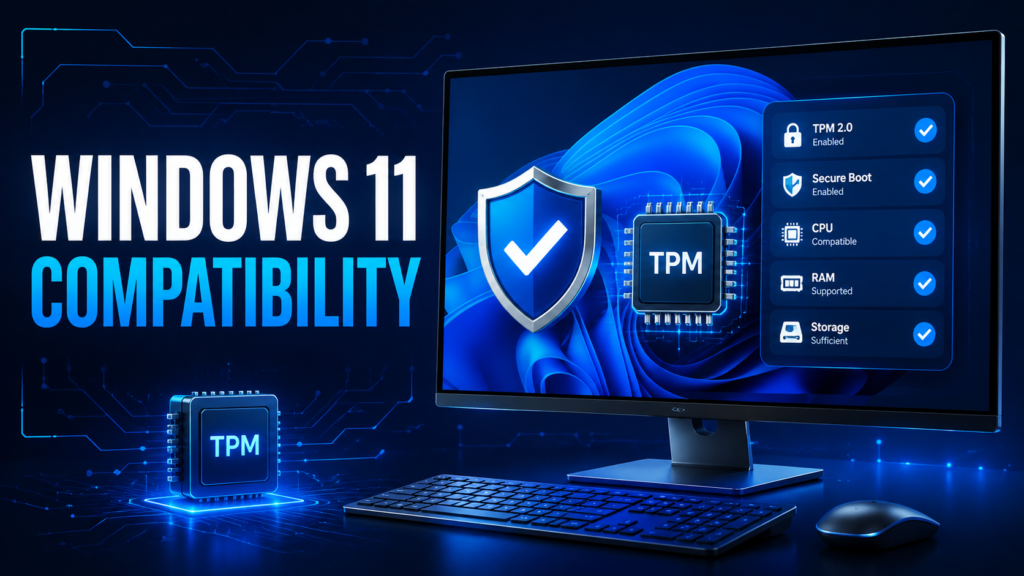
Confirm that the PC meets Windows 11 hardware requirements, including a compatible 64-bit processor, Secure Boot capability and TPM 2.0. Use Microsoft’s compatibility tools when upgrading an older computer. Also verify the edition currently installed under Settings → System → About.
Can you upgrade from Home to Pro?
Yes, a valid Pro license can upgrade an activated Home installation. Open Settings → System → Activation, choose the option to change the product key, and enter a valid key for the desired edition. Back up important data first.
Frequently asked questions
Is Pro faster than Home?
For normal applications and games, performance is generally similar. Choose Pro for its additional management, virtualization and security features rather than for a basic speed increase.
Can individuals use Enterprise?
Enterprise is mainly intended for organizations with appropriate licensing and management requirements. Home or Pro is normally more suitable for an individual device.
Which edition is best for remote work?
Home works for using remote-work applications. Pro is preferable if the computer must host Remote Desktop, use Group Policy, BitLocker management or business virtualization features.